
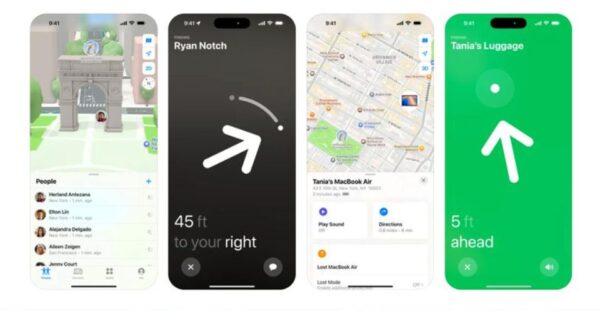
1. Google Find My Device
2. Life360: Family Locator & GPS Tracker
3. Find My Phone: Family Locator
4. Tracky: Location GPS Sharing
5. Phone Tracker By Number
- Enter its number and tap “Locate.”
- The app sends a text message with a tracking invitation.
- Once you accept the invitation by clicking a link, your location is visible on the app’s homepage.Image unavailable Original source
6. Where’s My Droid
- Commander Mode: Allows you to remotely control your device and pinpoint its location on a map.
- Theft Detection: Allows you to view the thief’s face and activities through the app.
- Data Protection: Offers “Lock setup” for locking your phone and “Wipe setup” for remotely performing a factory reset.
- GPS Flare: A distinctive feature that can track your phone’s location even when the battery is low.
7. Find Lost Phone: Find My Phone
- The “Ring Silent Phone” feature plays a loud ringtone to help locate a misplaced phone nearby.
- The “Get Lost Phone” feature for tracking your phone’s location has proven accurate.
- There are also standout anti-theft features like the “Don’t Touch My Phone” function, which, when enabled, triggers the phone’s flashlight, vibrations, and an alarm to discourage theft.
- The app also maintains a history of your phone’s locations.



)
)
)